SVG vs DXF vs EPS vs PNG for Cricut: Which Format Should You Use?
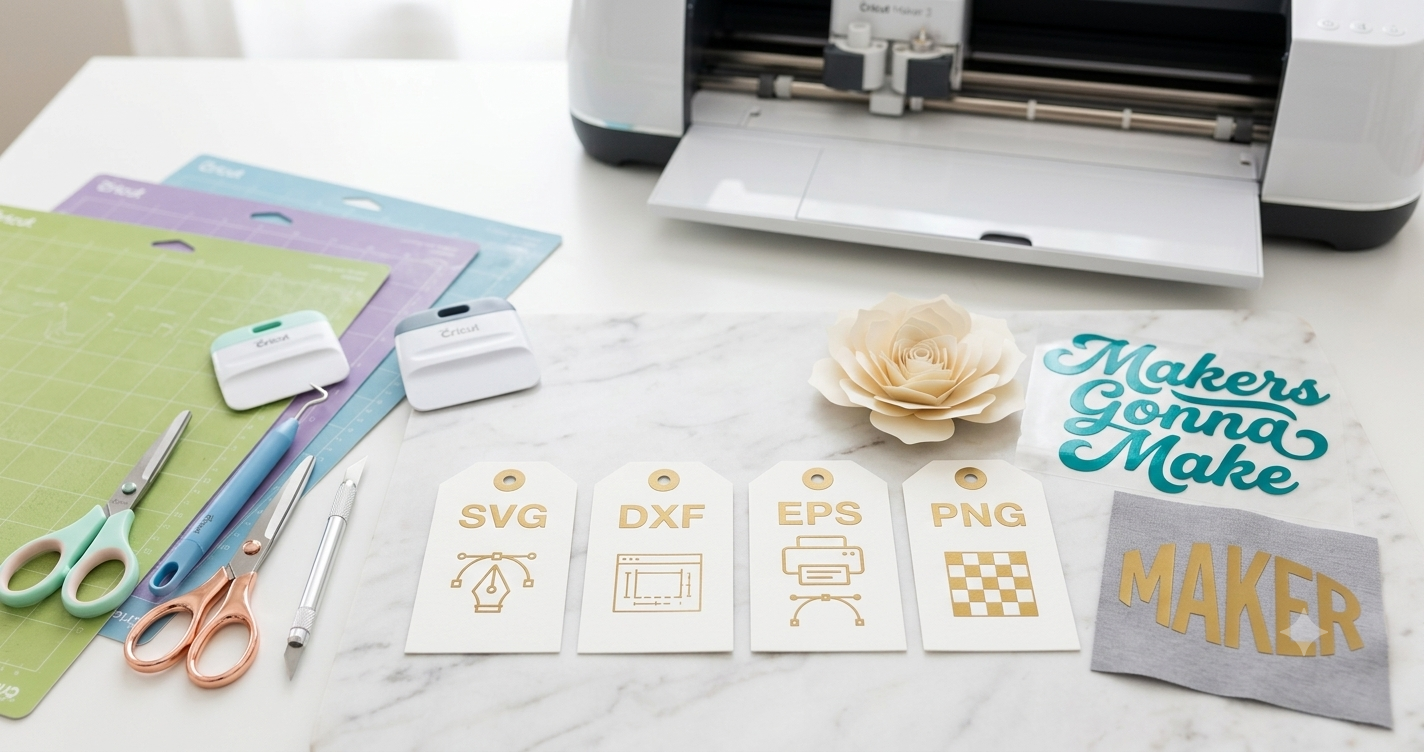
Choosing the best format for your Cricut can be challenging when working with SVG, DXF, EPS, and PNG files, but we are here! The best format for Cricut depends on your specific needs: SVG files are generally preferred due to their scalability and compatibility, particularly with Cricut Design Space. DXF files, however, are often used by Silhouette users because they preserve design integrity in CAD applications. EPS files are vector-based but can be more complex and less accessible to beginners. PNG files are ideal for print-and-cut projects due to their high-quality raster images, but they lack the scalability of vector files.
💡 Need ready-made SVG templates? Skip the setup and browse professionally formatted designs on Creative Fabrica — hundreds of print-ready options available.
Quick Definitions: SVG, DXF, EPS, PNG
SVG: Scalable Vector Graphics, or SVG, is a vector image format that is both scalable and editable. It’s the preferred choice for Cricut users due to its compatibility with Cricut Design Space.
DXF: Drawing Exchange Format, or DXF, is an Autodesk file format used primarily for CAD applications. It’s particularly useful for Silhouette users because it maintains design precision.
EPS: Encapsulated PostScript, or EPS, is a vector-based format used for high-quality graphics. It’s often used in professional design applications, but it can be more challenging for beginners.
What Are the Exact SVG vs DXF Cricut Format Settings?
| Format | Compatibility | Scalability | Use Case |
|---|---|---|---|
| SVG | Cricut Design Space | High | Cutting, crafting |
| DXF | Silhouette Studio | High | Precision design |
| EPS | Professional software | High | Complex designs |
| PNG | Print-and-cut | Low | Raster images |
How Do SVG and DXF Compare for Different Projects?
- Simple Cuts: SVG is easier for straightforward cutting projects due to its compatibility with Cricut Design Space.
- Complex Designs: EPS files are ideal, though SVG can also handle complex vector designs.
- Precision Work: DXF is better for designs that need exact measurements and precision, perfect for engineering projects.
- Printable Projects: PNG files are best for print-and-cut designs where image quality is critical.
Common Mistakes and How to Avoid Them
Mistake: Using PNG files for cutting projects. Fix: Use SVG to ensure scalability and cutting precision.
Mistake: Choosing EPS files without the right software. Fix: Ensure you have compatible software to open and edit EPS files.
Mistake: Not considering format compatibility with your machine. Fix: Always check if your cutting machine supports the file format.
Mistake: Ignoring design complexity when selecting file formats. Fix: Use DXF for intricate designs and SVG for less complex projects.
Frequently Asked Questions
What is the best file format for Cricut Design Space?
SVG files are the best choice for Cricut Design Space due to their compatibility and ability to scale without losing quality.
Can DXF files be used with Cricut machines?
DXF files are not natively supported by Cricut Design Space; they are best used with Silhouette Studio.
Why choose EPS files for Cricut projects?
EPS files are ideal for complex vector designs but require professional software for editing and use.
Do PNG files work for cutting projects?
PNG files work for print-and-cut projects but aren’t suitable for cutting due to their raster nature.
Are there software limitations for using DXF files?
Yes, DXF files require CAD software for creation and editing, limiting their use primarily to those with access to such tools.
How do SVG files benefit DIY crafters?
SVG files provide scalable, editable designs that are compatible with Cricut machines, making them perfect for DIY projects.
Now you know the best format for Cricut
Final Thoughts
Choosing between SVG, DXF, EPS, and PNG depends on your specific project needs and the software you have access to. SVG remains the go-to for most Cricut users due to its compatibility and ease of use. For a vast collection of ready-made SVG templates, explore Creative Fabrica and get crafting with ease.
Disclosure: This post contains affiliate links. If you purchase through our links, we may earn a small commission at no extra cost to you. We only recommend products we genuinely believe in.